

Xbox starts testing new Home groups and Quick Resume settings
Xbox is testing a batch of long-requested console features for select Insiders, including more Home groups, custom user colors, and per-game Quick Resume controls. The update also adds profile badges to the Guide as Microsoft pushes more personalization changes to Xbox this year.

Xbox is rolling out a new Insider test that adds more Home customization, new color options, and better control over Quick Resume.
The update is available first to select Xbox Insiders. Microsoft says the features will expand to more testers before rolling out more broadly to all players over time.
Home gets more room
One of the biggest changes is to Home groups.
Players can now add up to 10 groups on Home instead of just 2. Xbox also changed the way groups are managed, with reordering now using the same flow players already know from moving games around on Home.
Microsoft also says it is making it easier to pin groups from My Games & Apps and easier to tell which groups are already added.
More ways to personalize Xbox
Xbox is also adding custom user colors.
Instead of choosing from preset system colors, players can use sliders to create their own color. That color will show up in parts of the console UI, including a subtle accent in the Guide.
Players who do not want that extra color in the Guide can turn it off in settings. Xbox says it is also keeping some limits in place so colors still look good across the interface. If a player switches back to a system color, the console will save the last custom color for later.
Microsoft says custom colors will be visible to other Insiders first, then roll out to everyone with the April update.
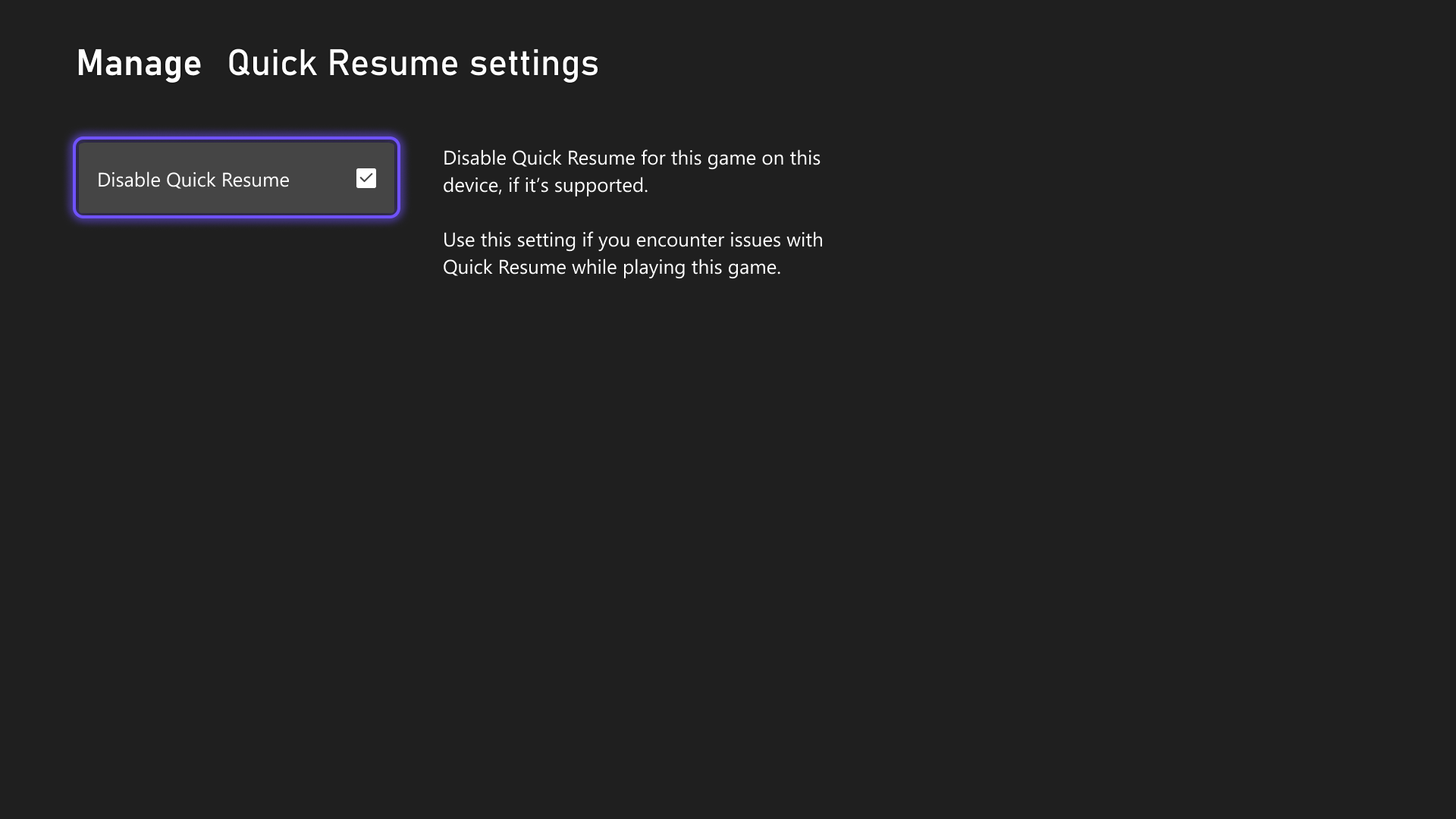
Quick Resume gets a manual switch
Xbox is finally letting players disable Quick Resume for specific games.
That matters for titles that do not behave well after sitting suspended for a long time. Players can turn the feature off through the Quick Resume group or through a game's Manage game and add-ons menu.
Profile badges move into the Guide
The update also brings profile badges into the Guide.
When players open their own profile or view another player's profile, they will now see the five most recently unlocked badges. That should make milestones easier to spot without digging deeper into profile pages.